Updates and Screen Locks
Automatic updates close known holes, so turn them on where possible. A device that postpones updates for months is easier to attack than one that patches quietly overnight.
Use a strong passcode rather than a short pattern, and enable biometric unlocking if you are comfortable with it. The passcode still matters after a restart or when biometrics fail.
Permission Audits
Review location, microphone, camera and contacts permissions. If an app needs location only while navigating, grant that rather than permanent access.
Remove apps you no longer use. Old apps keep permissions and may no longer receive fixes, which makes them an easy place to hide a problem.

Account Recovery
Check the recovery email and phone number on every important account. An old number can lock you out at the moment you most need access.
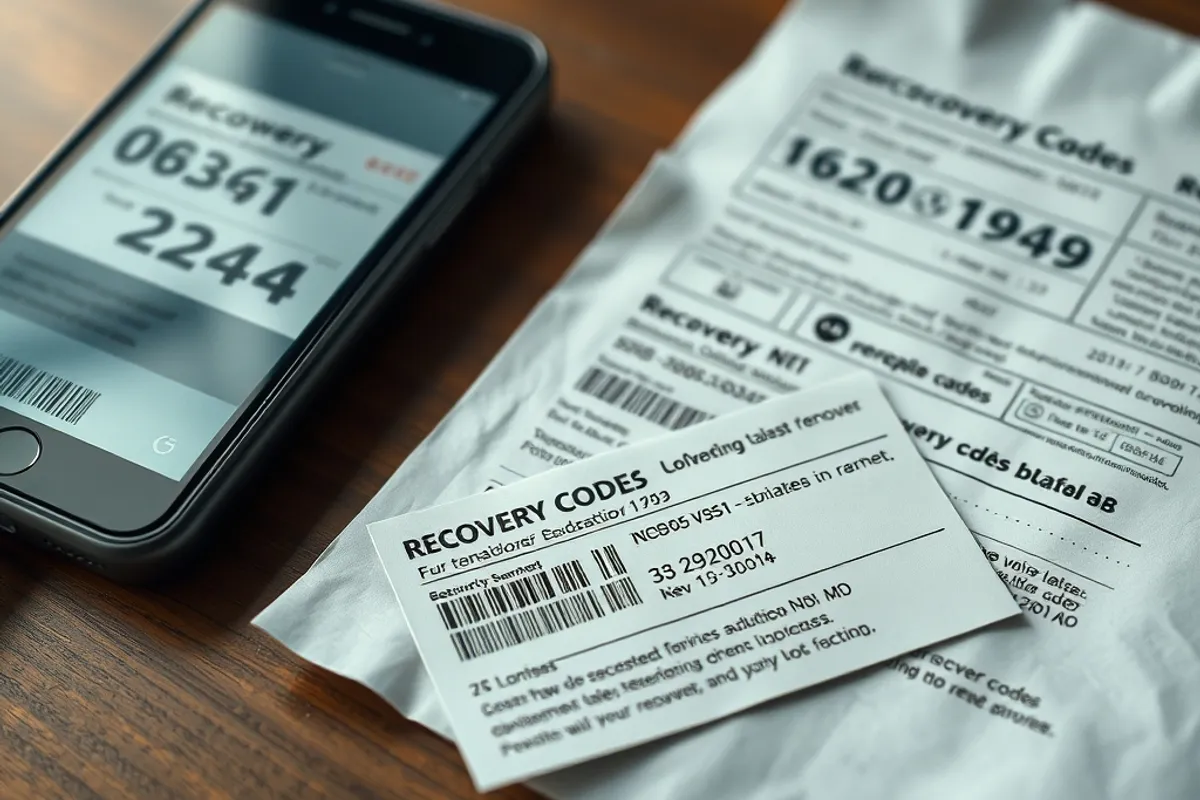
Store recovery codes somewhere separate from the device. A password manager or a locked drawer works better than a screenshot in the photo gallery.
A twenty minute audit is cheaper than a week of account recovery.
Lost Device Basics
Make sure find-my-device is enabled and that you know how to wipe a phone remotely. Practise locating it once so the process is familiar before a real loss.
If a device is stolen, change the passwords for email and payment apps first. Tell your carrier about the SIM, then review account activity once access is restored.

Related guides and sources
AI tools and workflow · Streaming habits in 2026 · NIST mobile security guidance